
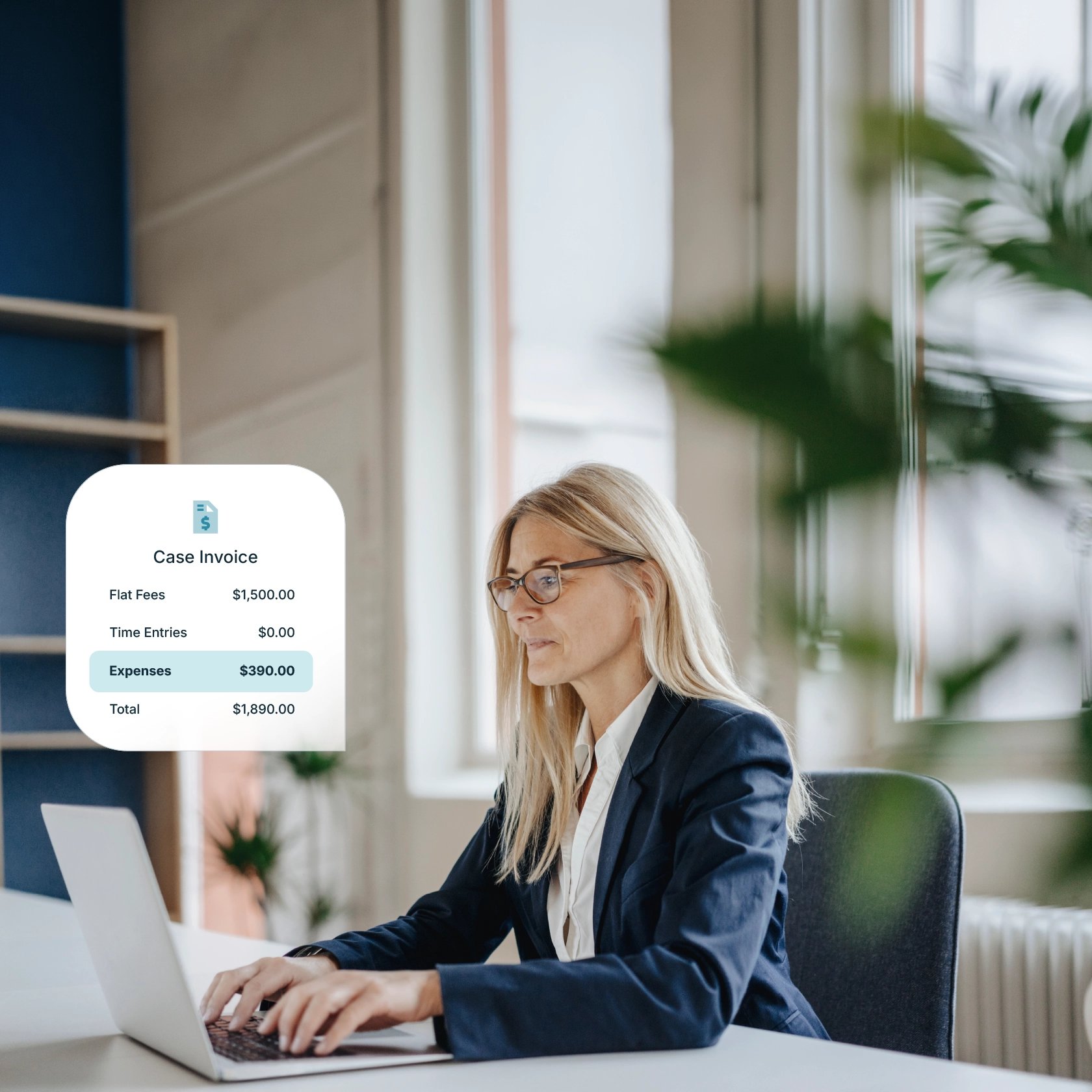
When you're running a solo practice or small accounting firm, getting paid shouldn't feel like a second job. Yet chasing invoices, tracking payments, and reconciling deposits can eat up hours you don't have, especially during tax season when every minute counts.
The right payment solution does more than process transactions. It accelerates cash flow, reduces admin work, and protects your professional reputation with clients who expect a seamless experience.
Modern firms are moving away from manual invoicing, mailed checks, and inefficient reconciliation processes. Instead, they're adopting purpose-built payment solutions designed for accounting professionals. These tools combine multiple functions: billing, invoicing, online payment acceptance, eChecks, and client financing—all while ensuring security and compliance.
This guide compares the best client payment solutions for solo accountants and small firms. We break down what to look for and how to build a payment workflow that runs smoothly, so you can focus on serving your clients.
Best client payment solutions for solo accountants and small firms
Not every payment solution fits every firm. The accounting profession has unique needs around compliance, trust accounting, and client expectations. Here's a breakdown of leading solutions to help you find the right match.
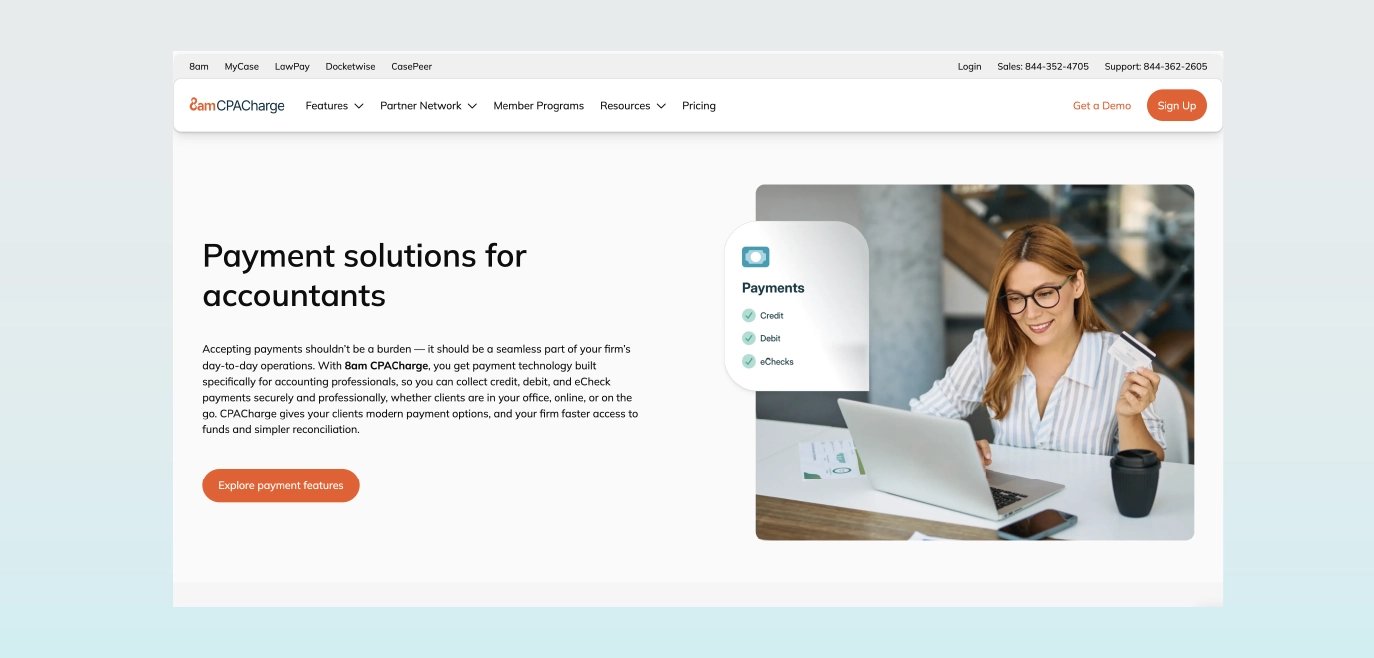
8am™ CPACharge
CPACharge is a payment solution built specifically for accounting professionals, helping solo accountants and small firms get paid faster while reducing administrative work. It combines billing and invoicing, payments, and automation into a single solution, with features such as automated reminders, Quick Bills for ad-hoc payments, and native QuickBooks integration to simplify reconciliation.
Firms can accept credit cards, ACH, and eCheck while maintaining control over costs, and use scheduled payments for recurring billing. With strong security standards and endorsement from 35+ state CPA societies, CPACharge is designed to streamline payments without sacrificing professionalism.
Pros:
CPACharge helps firms stay compliant while accepting online payments from clients through ACH, credit cards, or eChecks.
Includes customizable invoicing tools that let you create professional, branded invoices and send them directly to clients for payment.
Real-time reporting provides insights into payment histories, outstanding balances, and transaction details, helping you manage cash flow more effectively.
The scheduled payments feature for recurring work and retainers saves time and maximizes cash flow.
Automated transaction uploading to QuickBooks Online streamlines deposit reconciliation.
Integrations with accounting practice management software like CCH Axcess and Qount make it easy to connect billing and payments to other business operations.
Cons:
Focused on payments rather than being a full practice management or accounting suite, so you’ll still need other tools for firm operations.
Best for: All accounting firms, especially solo accountants and small accounting firms seeking a profession-specific solution with strong compliance features.
Feature | CPACharge capability |
Payment methods | Credit, debit, ACH/eCheck |
QuickBooks integration | Automatic transaction sync |
Security | |
Support | US-based, 365 days/year |
Client fee funding |
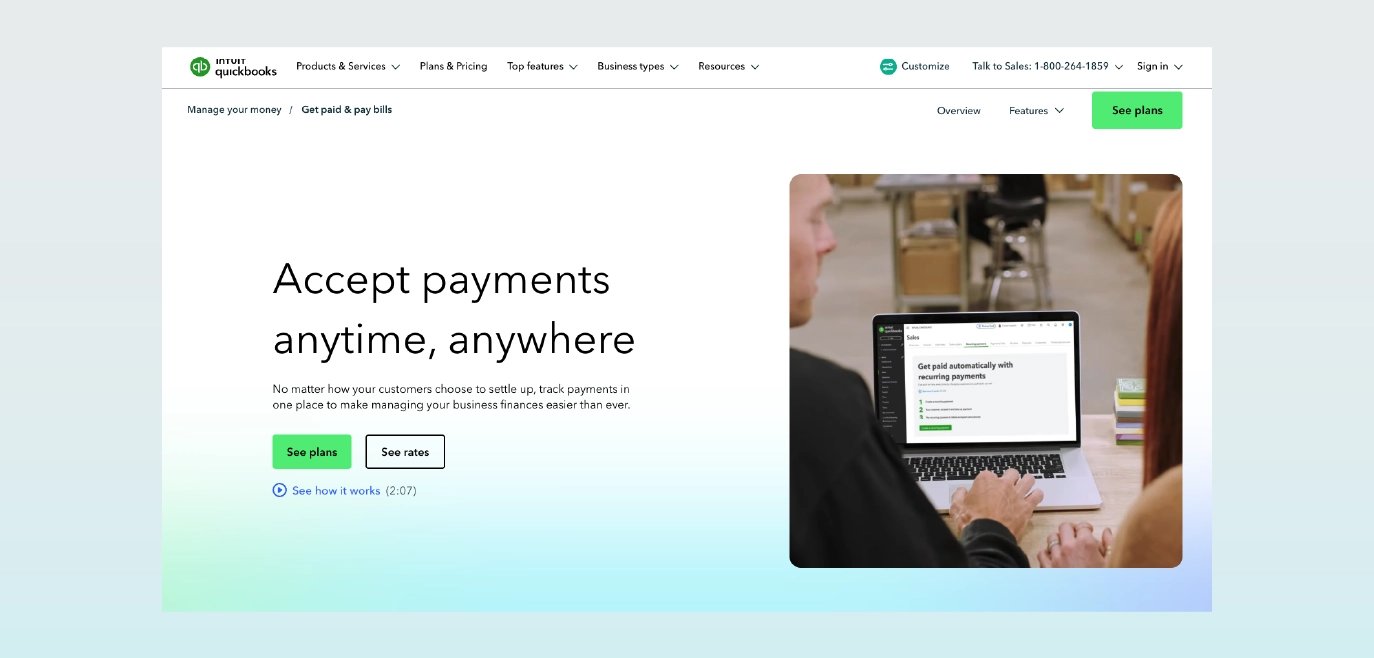
QuickBooks Payments
QuickBooks Payments is a built-in payment solution for firms already using QuickBooks. For solo accountants and small firms, it offers a simple way to accept payments and automatically reconcile them without adding another tool to your workflow.
Pros:
Integration with QuickBooks Online and QuickBooks Desktop automatically reconciles payments with invoices, updates accounts receivable, and syncs transaction data in real time.
Minimizes manual data entry and reduces reconciliation errors through native sync.
Accept multiple payment methods, including credit cards, debit cards, ACH bank transfers, and Apple Pay directly through invoices.
Minimal tool-switching for firms already committed to QuickBooks.
Cons:
Best value only when accounting software and payments come from the same vendor; switching solutions later means losing integration benefits.
Not designed specifically for accounting firm billing and payments; additional configuration is needed to set up workflows for retainers, scheduled payments, and client-funded balances.
No cap on processing fees for eChecks.
Best for: Firms already committed to QuickBooks who want minimal tool-switching and native integration without adding another vendor to their tech stack.
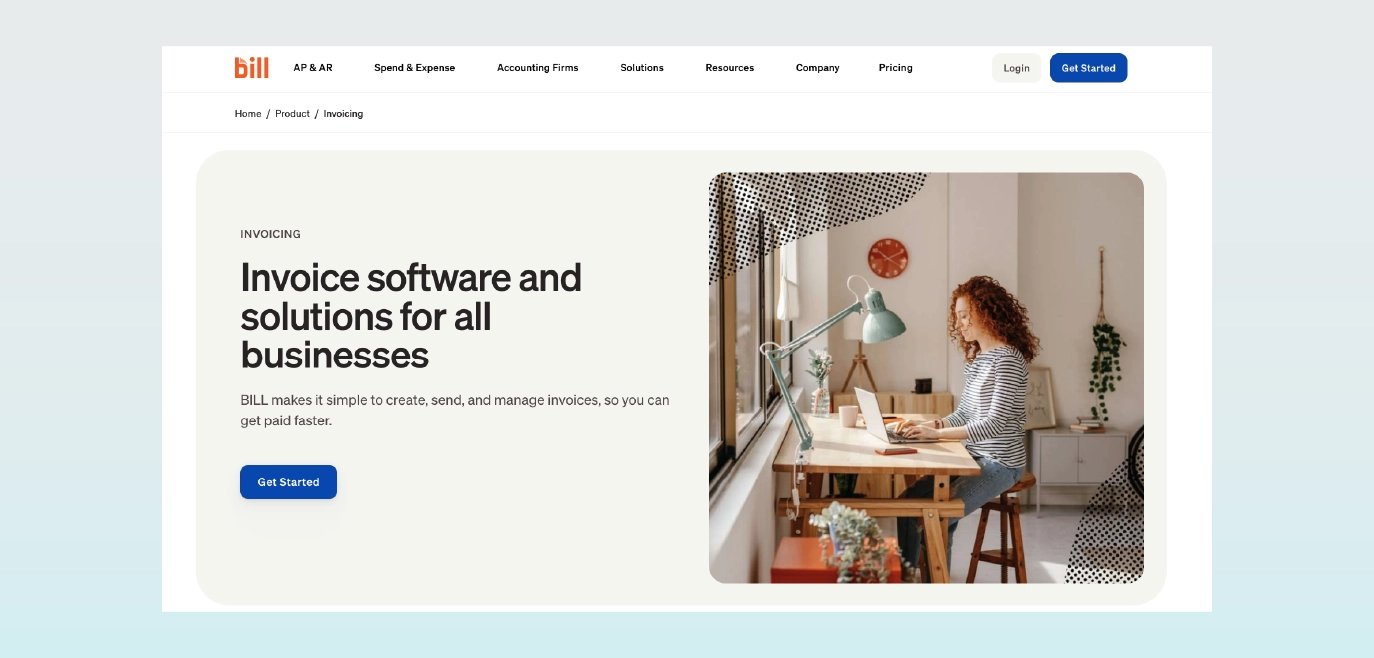
BILL
BILL is an accounts payable and receivable automation platform that uses AI to predict, extract, and code invoice data while offering multiple payment methods and accounting software integrations. While powerful, it’s often better suited to small firms with more complex workflows than true solo practices.
Pros:
BILL AI predicts, extracts, and codes data to speed up vendor search, flag duplicates, and improve invoice accuracy.
BILL handles invoicing, customer payments, bill payments, and approvals, and integrates with accounting software like QuickBooks and Xero.
Pay and get paid by ACH, check, credit card, and international wire transfer.
A detailed audit trail centralizes invoices, approvals, and proof of payment.
Cons:
According to online reviews, the feature set is more complex than solo-focused solutions, and it can be overkill if you only need basic invoicing and payment collection.
Pricing can climb with added users, modules, and transaction volume.
AR and AP are separate products; advanced features may require multiple subscriptions.
Best for: Firms managing both payables and receivables who want approval workflows and AI-powered automation to handle higher transaction volumes.
Canopy Payments
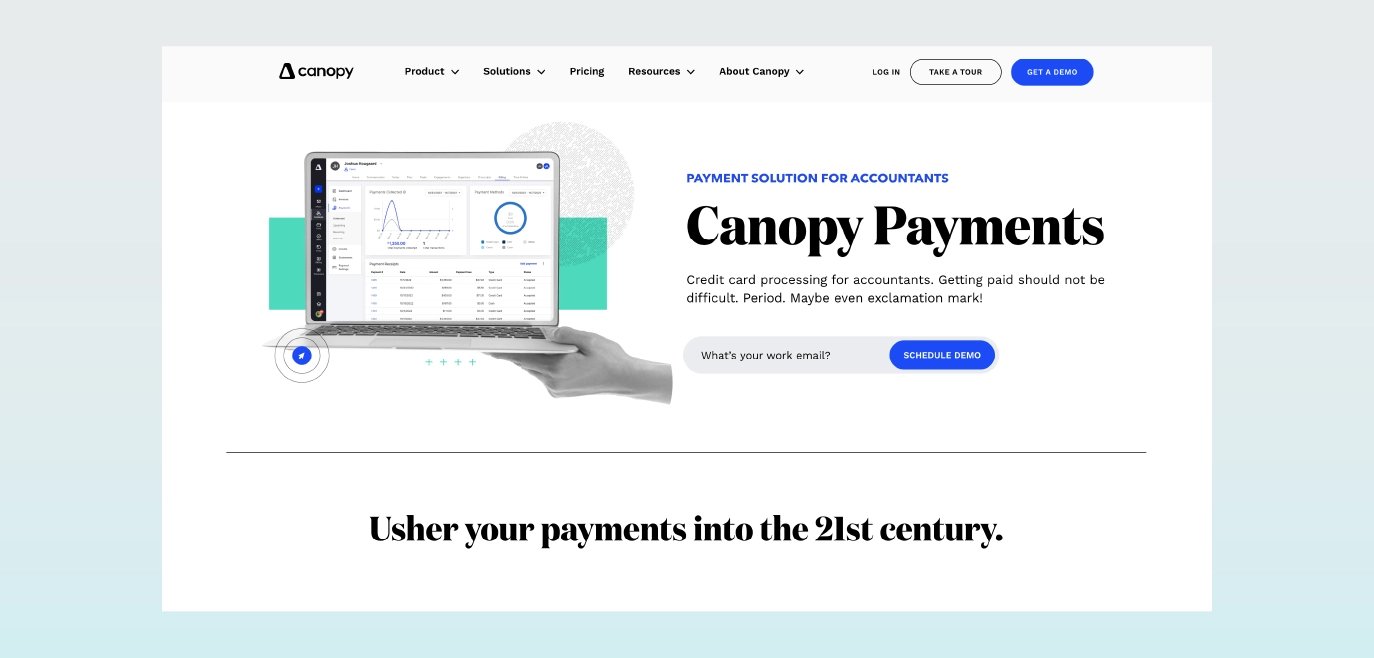
Canopy Payments is a payment processing solution built directly into the Canopy practice management platform. It helps firms get paid faster by reducing billing-cycle delays while maintaining strong, industry-standard security and compliance.
Pros:
PCI Level 1 certification with ongoing audits and penetration testing.
Comprehensive platform unifying client management, documents, workflow, and payments to fit the full client engagement lifecycle.
Cons:
Only works if you're already using Canopy for practice management; not a standalone payment solution.
Requires commitment to the broader Canopy ecosystem, which may not fit firms with established, modular tech stacks.
Feature availability and pricing vary by plan and modules, which can affect total cost.
Best for: Firms wanting payments built into a broader practice management platform where workflow, documents, and billing live in one system.
Helcim
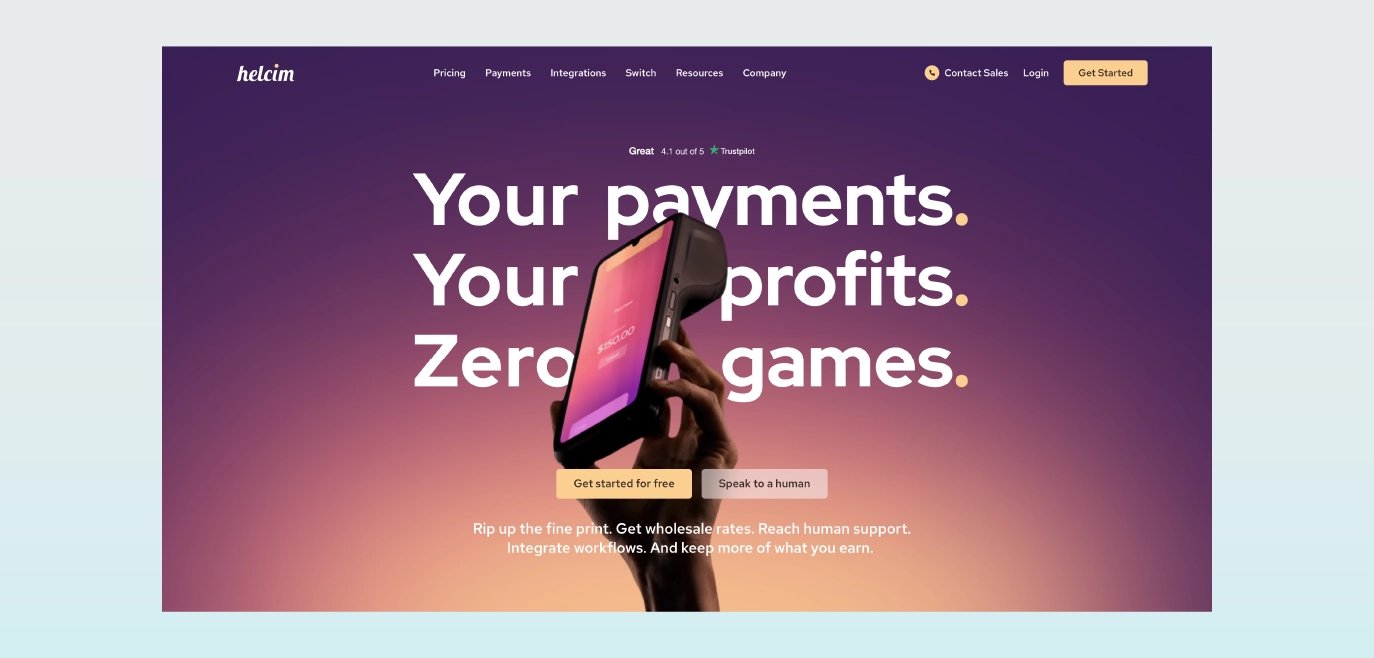
Helcim is a payment processor known for transparent interchange-plus pricing with no monthly fees. It bundles online invoicing, payment links, subscriptions/recurring billing, and a virtual terminal with optional card readers for in-person payments, which gives solo accountants and small firms a cost-effective alternative to flat-rate processors.
Pros:
Interchange-plus pricing for all merchants with no monthly fees; automatic volume discounts can lower effective rates as your card volume grows.
Built-in invoicing, payment pages/links, subscriptions (recurring billing), and a virtual terminal for card-not-present payments, plus a card reader for in-person acceptance.
Level 2/3 data support can reduce interchange fees on B2B transactions, improving rates for firms billing business clients.
Security-first design with PCI Level 1 service provider certification and tokenization.
Cons:
Not accounting-specific; lacks profession-focused features and endorsements found in tools built for accountants.
Fewer native practice-management and accounting integrations than all-in-one accounting platforms; reconciliation may rely on exports or third-party connectors.
Requires underwriting and may be less ideal for very low or highly variable volume compared to instant-approval aggregators.
Best for: Cost-conscious firms that want transparent interchange-plus pricing and a single provider for online invoicing, recurring billing, and occasional in-person payments.
Square Invoices
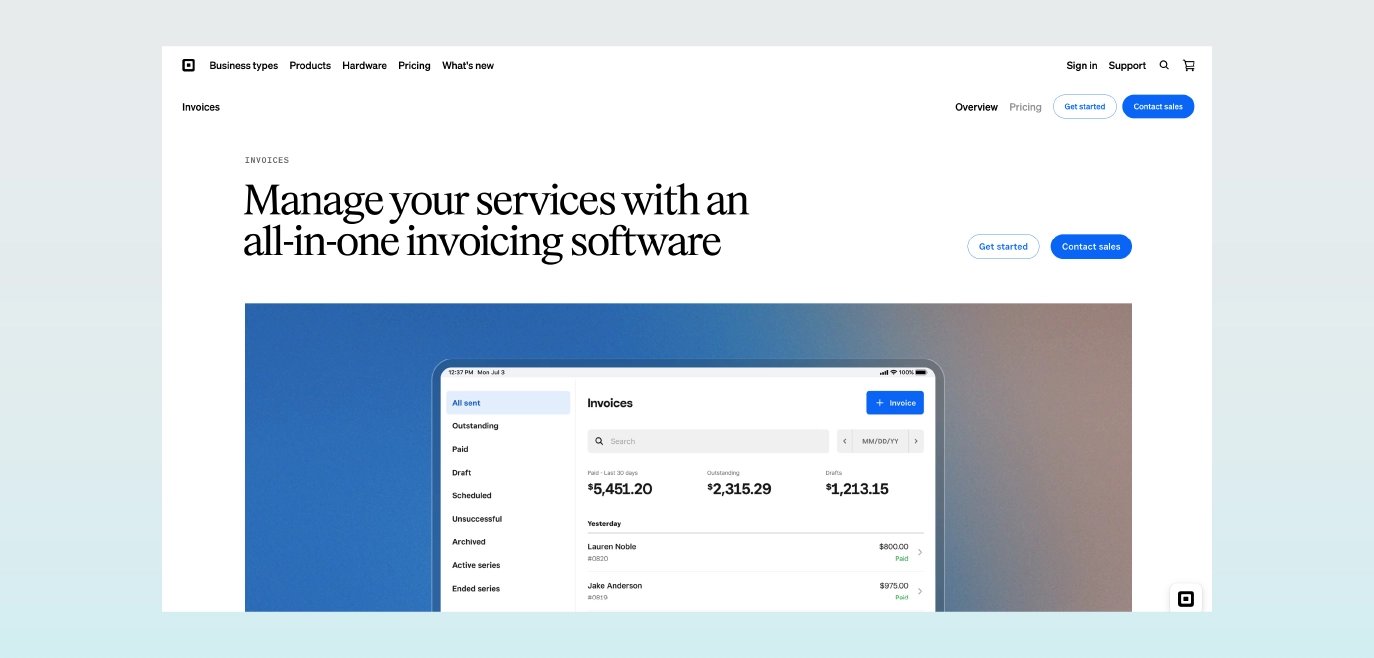
Square Invoices is a general-purpose payment solution known for its simple mobile card reader and point-of-sale capabilities. While not accounting-specific, it offers an accessible option for solo practitioners who occasionally need in-person payment processing.
Pros:
Pioneer in merchant payment processing with widely adopted point-of-sale and online payment tools.
A simple mobile card reader makes in-person payments easy for solo accountants who meet clients face-to-face.
Low barrier to entry with transparent, flat-rate pricing.
Cons:
Not designed for high-volume or complex processing needs.
24-hour live customer support only available on select paid subscription tiers; support hours are limited for standard tier users.
Not accounting-specific; lacks industry-focused features found in profession-built tools.
Best for: Firms that occasionally meet clients in person or need a simple mobile card reader for face-to-face transactions.
What small and solo accountants should look for in payment solutions
The right feature set depends on your firm's billing model, client mix, and growth plans. Whether you're managing a solo practice or running a small firm with multiple partners and staff accountants, the right payment tech can streamline your AR process, increase realization rates, and improve your clients' payment experience.
Multiple payment methods and flexibility
Your clients all have their own preferred way to pay, and offering more options usually means you get paid faster. Accepting credit and debit cards gives clients flexibility, and payments tend to come through quickly, even with processing fees. For larger invoices, ACH and eCheck can be a more cost-effective option, as their fees are typically lower. That’s why many firms offer both and let clients decide what works best for them.
Check handling remains necessary for some clients, though digital alternatives reduce the delays and fraud risks associated with paper checks. Mobile and QR code payment options add convenience for clients who want to pay immediately from their phones. Saved payment methods enable faster repeat billing, particularly valuable for retainer clients or monthly advisory engagements where you bill the same amount regularly.
Billing and automation
Recurring billing software replaces manual invoicing with automated rules for both one-time and ongoing services. This reduces administrative work and minimizes errors.
For retainers and CAS engagements, invoices can be generated and sent automatically, removing the need to repeat the same tasks each month. Built-in payment reminders also keep accounts receivable moving without requiring manual follow-up. These tools help stabilize cash flow by collecting payments on a set schedule and reducing delays.
Some software can automatically retry transactions that fail due to expired cards or ACH issues, helping recover revenue without additional effort. Features such as partial payments and refunds also give firms flexibility when clients need to split invoices or when credits need to be issued.
Integrations and reconciliation
Integrating payment processing directly into existing workflows reduces manual entry and minimizes errors. The best recurring billing software integrates seamlessly with the rest of your financial and operational tech stack, including CRM, ERP, accounting software, and payment gateways.
Integrations with QuickBooks, Xero, or other accounting software ensure payments are automatically posted to your books without double-entry. Matching invoices to payments and deposits simplifies month-end close by connecting what you billed, what clients paid, and what reached your bank account. Exportable reports also provide the data you need in formats that fit your existing processes.
Security and compliance
PCI Level 1 compliance provides tools and guidance for maintaining high security standards and handling client payment information. Tokenization and bank-grade encryption protect sensitive data in transit and at rest, while role-based permissions and audit trails become increasingly important as your firm grows and multiple team members need access to billing functions.
CPACharge delivers PCI Level 1 compliance and chargeback assistance with reversal rates that double the industry average. This helps firms protect their licenses without adding IT overhead, relieving the burden of managing payment compliance internally.
How to build a payment workflow that runs on autopilot during the busy season
An ideal payment setup requires virtually no attention during your most demanding weeks of the year. This can be achieved by integrating technology that eliminates monotonous tasks and allows you to focus on meaningful professional engagements and personal well-being. Below, we’ll go over how to configure this setup.
1. Set up recurring invoices for retainers and advisory packages.
Define the billing cadence (monthly or quarterly) for CAS or advisory work based on your engagement terms, then embed secure payment links directly in engagement letters so clients can set up payment methods before work begins. Store client payment credentials in a secure vault for automatic charges, eliminating the need to request payment each billing cycle. When clients know they're paying a fixed monthly amount, they're more likely to reach out with questions, and you're compensated for your time without tracking every phone call.
Check out CPACharge's free accounting invoice template to get started on structuring invoices consistently.
2. Automate reminders and follow-ups.
Configure the reminder cadence strategically: send an automated reminder three days before the due date, on the due date, and three days after. Write professional subject lines and receipt language once and reuse them everywhere. Let your software retry failed payments automatically without you having to contact clients about declined cards.
Sample invoice + payment link template:
Element | Recommendation |
Subject line | "Invoice #[XX] from [Firm Name] - Due [Date]" |
Reminder 1 (3 days before) | "Friendly reminder: Your invoice is due in 3 days." |
Reminder 2 (due date) | "Your invoice is due today - pay securely online." |
Reminder 3 (3 days after) | "Your invoice is past due - please remit payment." |
Payment link | Prominent button above the fold |
3. Use instant billing for ad-hoc questions and scope creep.
Send a one-click payment request for out-of-scope work the moment it happens. When a client calls with a "quick question" that requires 30 minutes of research, instant billing features let you capture that revenue immediately.
Track which services generate the most ad-hoc billing requests to inform future pricing; if you're sending multiple quick invoices for the same type of question, it might be time to add that service to your standard packages.
Choose a payment solution that matches your expertise
Client payment solutions for solo accountants and small firms work best when they’re easy for clients to use, save you time through automation, and keep your records organized. The right fit depends on where your firm is today and where you want to take it next.
For solo accountants: Prioritize automation, QuickBooks integration, and professional branding over complex feature sets. You don't need enterprise-level approval workflows—you need a system that sends invoices, collects payments, and updates your books without requiring daily attention.
For small firms ready to scale: Look for recurring billing, surcharge options, and strong security credentials. As you add team members and clients, you'll need role-based permissions, detailed reporting, and the ability to handle higher transaction volumes without proportionally increasing admin work.
Whether you're managing a solo practice or running a mid-size firm with multiple partners and staff accountants, CPACharge delivers the payment features accounting professionals need:
Multiple payment methods (credit cards, ACH, eCheck) to match client preferences
Automated invoicing and payment reminders that reduce manual follow-up
QuickBooks integration for automatic reconciliation and deposit matching
Quick Bills for capturing ad-hoc work and scope creep immediately
Scheduled payments for recurring retainers and advisory engagements
PCI Level 1 compliance and bank-grade security built specifically for accounting firms
Don't make your choice based on fees alone. Look at how each solution integrates into your tech stack, complies with accounting standards, and supports your unique billing needs.
Ready to get paid faster? Explore CPACharge to see how Quick Bills, automated reminders, and QuickBooks integration can help your firm accelerate cash flow with less admin work.
About the author

Mary Elizabeth HammondSenior Content Strategist and Blog Specialist8am
Mary Elizabeth Hammond is a Senior Content Strategist and Blog Specialist for 8am, a leading professional business solution. She covers emerging legal technology, financial wellness for law firms, the latest industry trends, and more.